

Introduction
Introduction
Section titled “Introduction”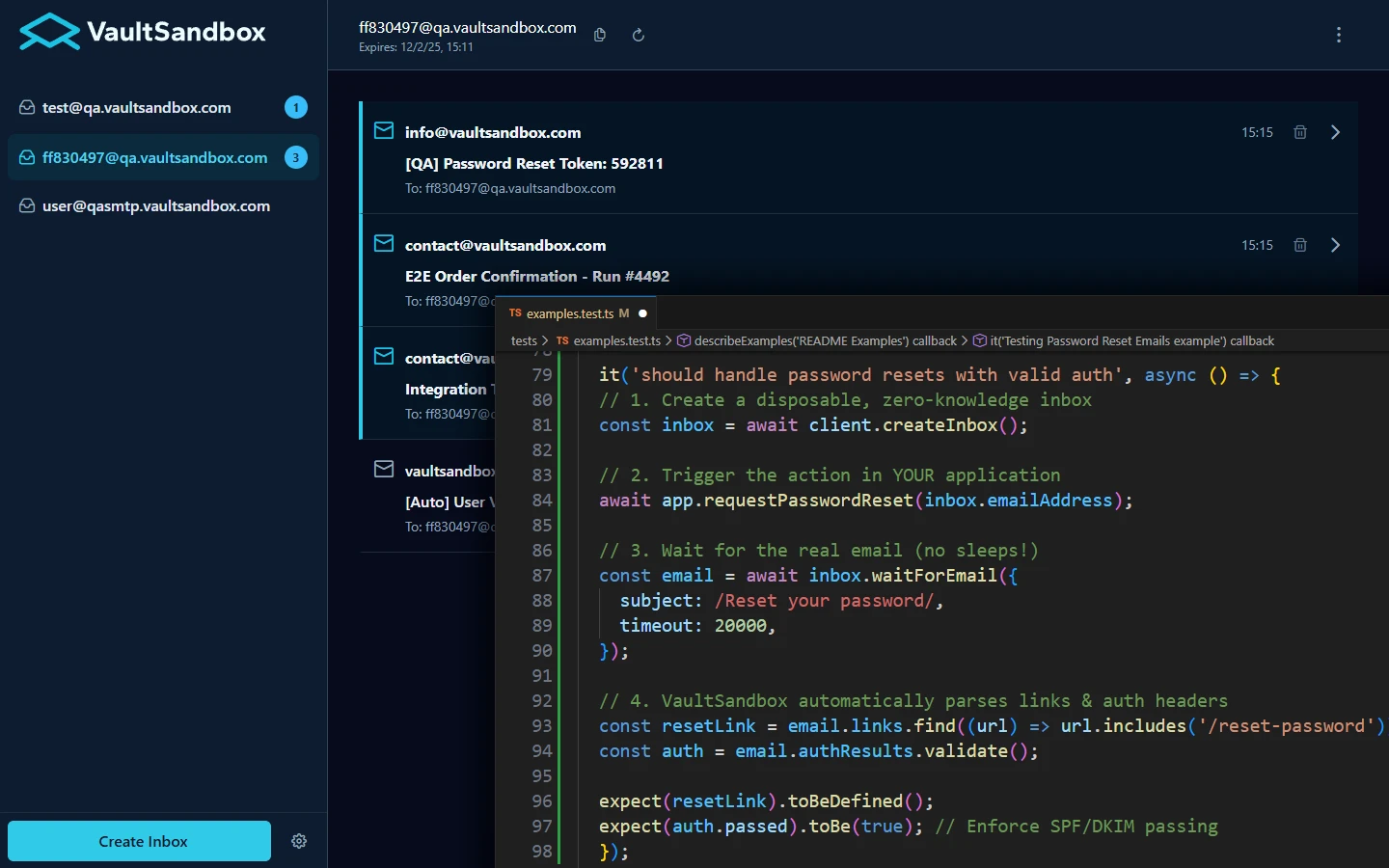
VaultSandbox is in Public Beta. Join the journey to 1.0. Share feedback on GitHub.
VaultSandbox is a self-hosted email testing platform that lets you test email like it behaves in production. It replaces fake SMTP servers and public testing services with real mail delivery—complete with TLS, DNS validation, and authentication—inside your own infrastructure.
Most email testing tools force you to disable TLS verification, skip DNS checks, or rely on mocks that hide authentication failures. VaultSandbox runs a real SMTP server with Let’s Encrypt certificates, validates SPF/DKIM/DMARC on every message, and delivers emails in real-time via Server-Sent Events.
Key features:
- Chaos Engineering - Per-inbox failure injection: latency, greylisting, connection drops, SMTP errors, or blackhole messages. Test retries, backoff, and the code paths you hope never run.
- Spam Analysis - Rspamd integration provides real spam scoring, content analysis, and authentication visualization.
- Webhooks - Global or per-inbox routing to Slack, Discord, Teams, or Zapier with filtering and HMAC-signed delivery.
- Zero-Knowledge Encryption - Messages are encrypted using the client’s public key (ML-KEM-768) and stored only in encrypted form—the server cannot decrypt them.
- Multiple Interfaces - Web UI for browsing, CLI/TUI for automation, and SDKs for Node.js, Python, Go, Java, and .NET.
Designed for CI/CD pipelines, VaultSandbox stores everything in-memory for fast test execution and automatic cleanup. Deploy it with Docker Compose, point your DNS records at it, and start testing—no more rejectUnauthorized: false hacks or unreliable polling loops.
Next Steps
Section titled “Next Steps”- Quick Start - Deploy VaultSandbox in under 5 minutes
- Architecture Overview - Understand the zero-knowledge security model
- Deployment Setup - Infrastructure, DNS, and TLS setup
- Docker Compose Setup - Production-ready deployment guide
Resources
Section titled “Resources”- Website: www.vaultsandbox.com
- Documentation: vaultsandbox.dev
- GitHub Gateway: github.com/vaultsandbox/gateway
- GitHub Client Node: github.com/vaultsandbox/client-node
- Docker Hub: hub.docker.com/r/vaultsandbox/gateway
- NPM: npmjs.com/package/@vaultsandbox/client